

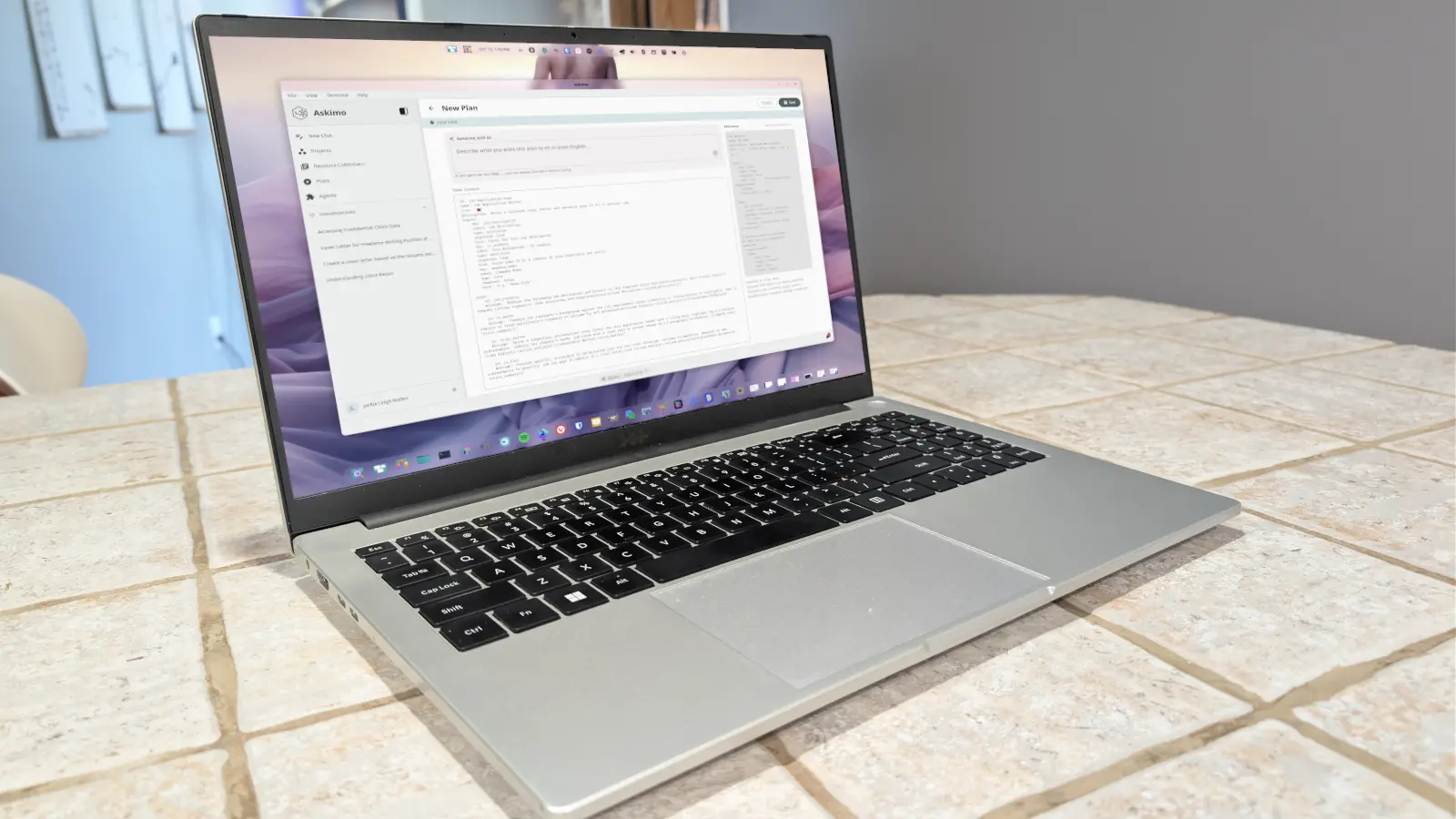
Askimo has emerged as a free, cross-platform graphical AI workspace for Linux, macOS, and Windows, giving users a way to work with both local and cloud-hosted models from one desktop application. The tool is built around a central idea: rather than juggling separate chat windows, document collections, and automation scripts, users can manage conversations, projects, agents, resource libraries, and repeatable workflows in a single interface. For Linux users in particular, the appeal is significant because many AI tools either assume a browser-first workflow or require command-line familiarity. Askimo offers a desktop GUI while still allowing direct connections to local model runtimes such as Ollama.
The application is free to use when paired with local AI, according to its positioning. Cloud AI services can also be connected, but those generally require API keys and may involve provider costs. The feature set is broad: projects, agents and skills, resource collections, Plans, local AI connectivity, MCP servers, voice input, notifications, keyboard shortcuts, web searches, RAG configuration, and more. That combination makes it more than a chat client. It is closer to a central AI desktop environment, with modules aimed at different parts of knowledge work.
Key facts at a glance
- Askimo is a cross-platform AI desktop GUI for Linux, macOS, and Windows.
- It can connect to local AI runtimes such as Ollama, as well as third-party cloud AI services.
- The app bundles chat, projects, agents, skills, resource collections, Plans, MCP servers, voice input, notifications, keyboard shortcuts, web search, and RAG configuration.
- Local AI use keeps the app free, but cloud providers generally require API keys and may add costs.
- Projects can be limited with local models because Askimo may not read file contents from RAG sources; attaching or pasting text is a workaround.
- Plans provide prebuilt multi-step workflows, including Job Application Writer, Blog Post Writer, Research Report, Competitor Analysis, Meeting Notes Processor, and System Design.
- Custom Plans are written in YAML, and users can copy and edit built-in Plans as templates.
A desktop hub for local and cloud AI
The rise of local large language models has changed the economics and privacy calculus for AI software. Users can run models on their own hardware, avoid sending sensitive text to a remote provider, and work without per-token billing. Ollama has become one of the most common ways to run those models on Linux and other operating systems. Askimo fits into that ecosystem by acting as a graphical front end. Instead of issuing commands and managing model files through a terminal, users can add a provider, choose a model, and begin chatting.
The app also recognizes that not every task is best handled locally. Cloud models can offer stronger reasoning, larger context windows, or file-processing capabilities that local models may lack. Askimo's ability to connect to either kind of provider gives users a way to mix privacy, cost, and capability. A user might keep routine drafting on a local model and switch to a cloud service for complex analysis or tasks that require reading uploaded documents. The app's feature list reflects that hybrid approach, with RAG configuration, web search, voice input, and MCP servers all aimed at extending what a model can do.
MCP servers, or Model Context Protocol servers, are part of a broader effort to standardize how AI models connect to external tools and data. In a desktop AI client, that kind of integration can turn a chat interface into a control panel for files, services, and workflows. Askimo's support for MCP is notable because it points toward a future in which the GUI is not just a text box but a hub for multiple AI-enabled actions. The same is true of resource collections and RAG configuration, which are meant to give models access to relevant reference material instead of relying only on what is already in the prompt.
Setting up a local Ollama connection
Setting up Askimo with local AI begins in the Settings area. Users add a new AI provider and select Ollama. Before that connection can work, Ollama must already be running with the desired models pulled locally. Askimo does not automatically pull models, so users need to prepare them in advance. For example, a user who wants to work with a compact Llama model would run a command such as ollama pull llama3.2:3b in a terminal. Once the model is available, it can be selected inside Askimo.
In the Add AI Provider window, the user selects Ollama and clicks Connect. The next screen asks for the local server address and port, such as the IP address of the Ollama host followed by port 11434. The user then selects the Responses API and clicks Next. After choosing the model from the available list, the user clicks Save. At that point Askimo is ready to send prompts to the local Ollama instance. The process is not complicated, but it does assume that the user understands the basics of running a local model server. That is a reasonable assumption for many Linux users, but it is still a step that separates Askimo from plug-and-play cloud chat apps.
Projects and the file-access trade-off
Projects are one of Askimo's main organizing tools. They allow a user to group chats and resources around a recurring task, such as writing cover letters or maintaining research notes. In a typical setup, a user clicks Projects in the left sidebar, creates a new project, gives it a name, and adds a source file. The user can also choose a default directory, such as Formal Writing, and save the project. The idea is to keep relevant material close to the conversation so that the model can refer to it when generating a response.
In practice, Projects can be frustrating when the app is paired with a local model. In one test, a project was created for cover letters and a resume file was added as a RAG source. The prompt asked the model to write a cover letter for a freelance writer position using the resume in the RAG sources. The app failed to complete the task. The reason was not simply a model quality issue. Askimo's local-model workflow may not be able to read the contents of files on the user's drive, which means the RAG source cannot be processed as expected. The app cited possible concerns such as very large files, sensitive information, and file formats that are not optimized for text-based interaction.
The practical workaround is to attach the file directly to the chat or to open the text file inside Askimo, copy its contents, and paste them into the prompt. Binary files cannot be read this way, so text-based documents are the better fit. Projects can still serve as a library of reference material, but users may need to move the text into the conversation manually. Cloud AI services can avoid some of that friction because they may have file-processing capabilities that local models do not. The trade-off is familiar: local AI offers privacy and no per-token charges, while cloud AI can offer convenience and broader document handling.
Plans turn prompts into repeatable workflows
Plans are the feature that stands out most. A Plan is a multi-step AI workflow that divides a larger task into stages, runs each stage, and passes the result to the next. That structure helps avoid long, complicated chats that can become confusing or repetitive. Instead of rebuilding a prompt from scratch every time, a user can select a Plan, fill in the required inputs, and run it. Askimo includes six prebuilt Plans: Blog Post Writer, Job Application Writer, Research Report, Competitor Analysis, Meeting Notes Processor, and System Design.
The Job Application Writer Plan shows how the feature works. A user selects the Plan, chooses a suitable model, and provides inputs such as the job description, background information from a CV or resume, and the company name. The job description can be copied from a listing. The background section can hold a resume summary or full resume text. After the inputs are filled in, the user clicks Run Plan. Askimo then executes the workflow and shows the results. In a test, the process produced a professional summary in less than two minutes, and that summary could then be used for follow-up requests such as drafting a cover letter.
The speed and structure of Plans make them useful for repeated tasks. A job seeker can reuse the same Plan for multiple applications by changing the job description and company name. A content team could use the Blog Post Writer Plan to move from topic to outline to draft. A researcher could use the Research Report Plan to organize sources and produce a structured briefing. Because the steps are separated, the user can see where the workflow succeeds or fails and can adjust the inputs rather than rewriting a single massive prompt.
Custom Plans and YAML
Askimo also lets users create their own Plans. Custom Plans are written in YAML, which is a human-readable configuration format often used for infrastructure and automation. The format is more technical than a simple chat prompt, but it gives users control over inputs, steps, and workflow order. A basic input definition includes a key, a label, a type, whether the input is required, a default value, and a hint for the user interface. The key can be referenced in later steps, which is how the Plan passes data from one stage to another.
For users who are new to YAML, the easiest path is to copy a built-in Plan and edit it. Askimo's Plan editor opens the copy so users can see how the sections are laid out. That makes the built-in Plans both examples and templates. A user can start with the Job Application Writer or Blog Post Writer, change the labels and steps, and save a new Plan for a different workflow. The learning curve is real, but the payoff is a reusable automation that can handle tasks far beyond simple chat.
The built-in Plans can be copied and edited, and the YAML schema allows users to define required inputs, defaults, and hints before the workflow runs. That makes Plans the most automation-oriented part of Askimo and the feature most likely to change how users organize repeated AI tasks.
Source:ZDNET News