

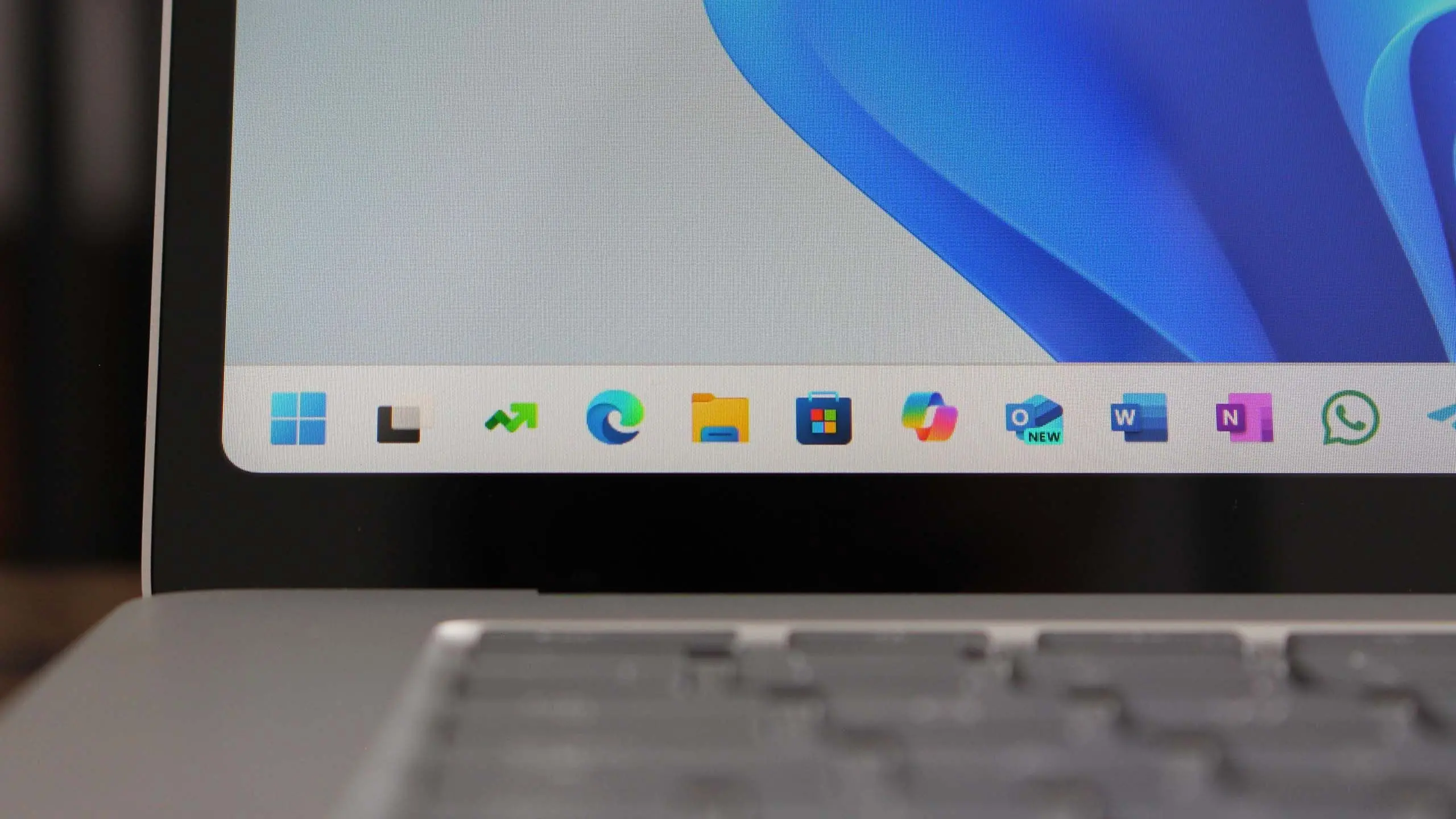
Microsoft is gearing up to release Windows 11 version 25H2, the next significant feature update for its operating system. Following the pattern of annual feature updates, 25H2 is expected to arrive in the second half of 2025, continuing Microsoft's strategy of delivering new capabilities, security improvements, and performance optimizations. While an official announcement has not yet been made, insider builds, leaks, and industry analysis offer a glimpse into what users can anticipate.
What is Windows 11 version 25H2?
Windows 11 version 25H2 refers to the 2025 H2 feature update, following the naming convention used by Microsoft since Windows 10. The '25' denotes the year 2025, and 'H2' indicates the second half of the calendar year. This update builds upon the foundation laid by previous releases, including version 22H2, 23H2, and the rumored 24H2 update. Historically, Microsoft has used these annual updates to introduce major new features, revise existing components, and address user feedback.
Version 25H2 is expected to be a substantial release, with a strong focus on artificial intelligence (AI) integration, enhanced productivity tools, and refined user experience. Microsoft has been increasingly embedding AI across its product portfolio, and Windows 11 is no exception. The upcoming update is likely to deepen the role of Microsoft Copilot, the company's AI assistant, making it more context-aware and capable of performing complex tasks directly within the operating system.
Key Features and Improvements
Enhanced AI Integration with Copilot
One of the most anticipated aspects of Windows 11 25H2 is the evolution of Microsoft Copilot. Currently available as a sidebar, Copilot in version 25H2 may become more deeply integrated into system functions. Users could leverage Copilot to adjust settings, summarize documents, generate images, or even control hardware features. Reports suggest that Copilot will gain the ability to understand on-screen content and provide contextual suggestions, much like a smarter version of the existing 'Snap Assist' or 'Clipchamp' integrations. Additionally, natural language commands might allow users to perform complex multi-step operations, such as organizing files or editing photos, without navigating menus.
File Explorer Overhaul
File Explorer has been a focus of Microsoft's redesign efforts since Windows 11's launch. Version 25H2 is expected to introduce a modernized File Explorer with a tabbed browsing interface that is more responsive and customizable. The preview version already includes a refreshed details pane, gallery view for photos, and better integration with cloud services like OneDrive. In 25H2, users may see improvements to search functionality, including semantic search powered by AI, which can find files based on content or description rather than just file names. Folder compression and extraction tools might also see updates, with support for additional archive formats and faster processing.
Taskbar and Start Menu Refinements
The Taskbar and Start Menu have been points of contention since Windows 11's redesign. Microsoft has gradually added back features like drag-and-drop, taskbar context menus, and the ability to show labels. In version 25H2, further refinements are expected: the ability to move the taskbar to the top or sides of the screen (a feature long requested by power users), more flexible grouping options, and a 'Never Combine' mode that returns to pre-11 behavior. The Start Menu might introduce customizable sections, live tiles-like widgets (though likely not full return), and better integration with Microsoft 365 services. Widgets themselves, part of the taskbar, could become more interactive and expand to show third-party content.
Gaming and Performance Enhancements
Microsoft continues to invest in Windows as a gaming platform. Version 25H2 is likely to bring additional optimizations for DirectX 12 Ultimate, improved Auto HDR support for more games, and enhancements to the Xbox Game Bar. The update may also include a new 'Game Mode' that dynamically allocates system resources for gaming, reducing background processes and latency. Support for the latest hardware, such as Intel Arrow Lake and AMD Ryzen 8000 series processors, will be refined, alongside better handling of high-refresh-rate monitors and variable refresh rate technologies. For cloud gaming, tighter integration with Xbox Cloud Gaming could allow seamless launching of titles directly from the Start Menu or Game Bar without requiring a local install.
Security and Privacy Upgrades
Security remains a top priority for Microsoft, and version 25H2 is expected to introduce several new protections. These may include enhanced phishing defenses in Microsoft Defender SmartScreen, more granular app permission controls, and improved credential protection via Windows Hello. Additionally, the update could expand Pluton security processor support (the chip-to-cloud security technology) to more devices, and make it easier for users to audit and revoke app permissions. Privacy settings might be streamlined with clearer explanations of data usage and more transparent telemetry options, aligning with global regulatory requirements like GDPR and the upcoming EU Digital Markets Act.
System Requirements and Compatibility
With each Windows 11 feature update, Microsoft reassesses system requirements. Version 25H2 is unlikely to increase the minimum hardware requirements beyond what was introduced with the original Windows 11 release (TPM 2.0, Secure Boot, 4GB RAM, 64GB storage, and a compatible 64-bit processor). However, some advanced features may require newer hardware. For example, AI-powered capabilities like Copilot may demand a neural processing unit (NPU) or a capable GPU to run efficiently. As a result, users on older machines might experience limited functionality for certain AI features. Microsoft is expected to continue offering Windows 11 version 25H2 as a free update for eligible Windows 11 users, while Windows 10 users will need to check compatibility and potentially upgrade their hardware if they wish to move to Windows 11 for the first time.
Release Timeline and Availability
Microsoft typically releases feature updates in phases. Based on past patterns, version 25H2 will likely enter the Windows Insider Program in early 2025, with preview builds rolling out to the Dev Channel first, followed by Beta and Release Preview channels. The general availability (GA) is expected in September or October 2025, though this could shift depending on internal milestones. The rollout will be gradual: Microsoft will offer the update to newer devices first, then expand to older ones based on compatibility data and user feedback. Enterprises and education customers often have the option to delay updates using Windows Update for Business or WSUS.
How to Prepare for Version 25H2
Users eager to get the latest features can take several steps. First, ensure your device meets the official system requirements and is running a currently supported version of Windows 11 (such as 23H2 or 24H2). Keep your system updated with the latest cumulative updates to reduce upgrade issues. Create a full system backup before installing any major update, especially if you rely on specific software or custom configurations. If you want early access, join the Windows Insider Program, but be aware that preview builds may contain bugs and are not recommended for primary machines. For enterprises, start testing the update in a controlled environment as soon as it reaches the Release Preview channel to identify any compatibility concerns with line-of-business applications.
What's Not Coming in 25H2?
While Microsoft is constantly evolving Windows, not every rumored feature makes the cut. It is unlikely that version 25H2 will include a full replacement of the legacy Control Panel, though more settings may migrate to the Settings app. The ability to run Android apps natively (via WSA) was already deprecated in earlier updates and is not expected to return. Similarly, significant changes to the kernel or core architecture are not anticipated; the update is primarily about feature enhancements and refinements rather than a complete overhaul.
As with any operating system update, users should weigh the benefits of new features against potential compatibility risks. Professional users and IT admins are advised to consult official documentation and utilize tools like the Microsoft Assessment and Planning Toolkit (MAP) to assess readiness. For most consumers, however, Windows 11 version 25H2 will bring welcome improvements that make daily computing more intuitive, secure, and productive. Stay tuned for official announcements from Microsoft as the release date approaches.
Source:Windows Central News